

Owners, Admins, and Members can manage integrations. Viewers can inspect connection, selection, and freshness state but cannot connect, reconnect, change selections, sync, or disconnect.
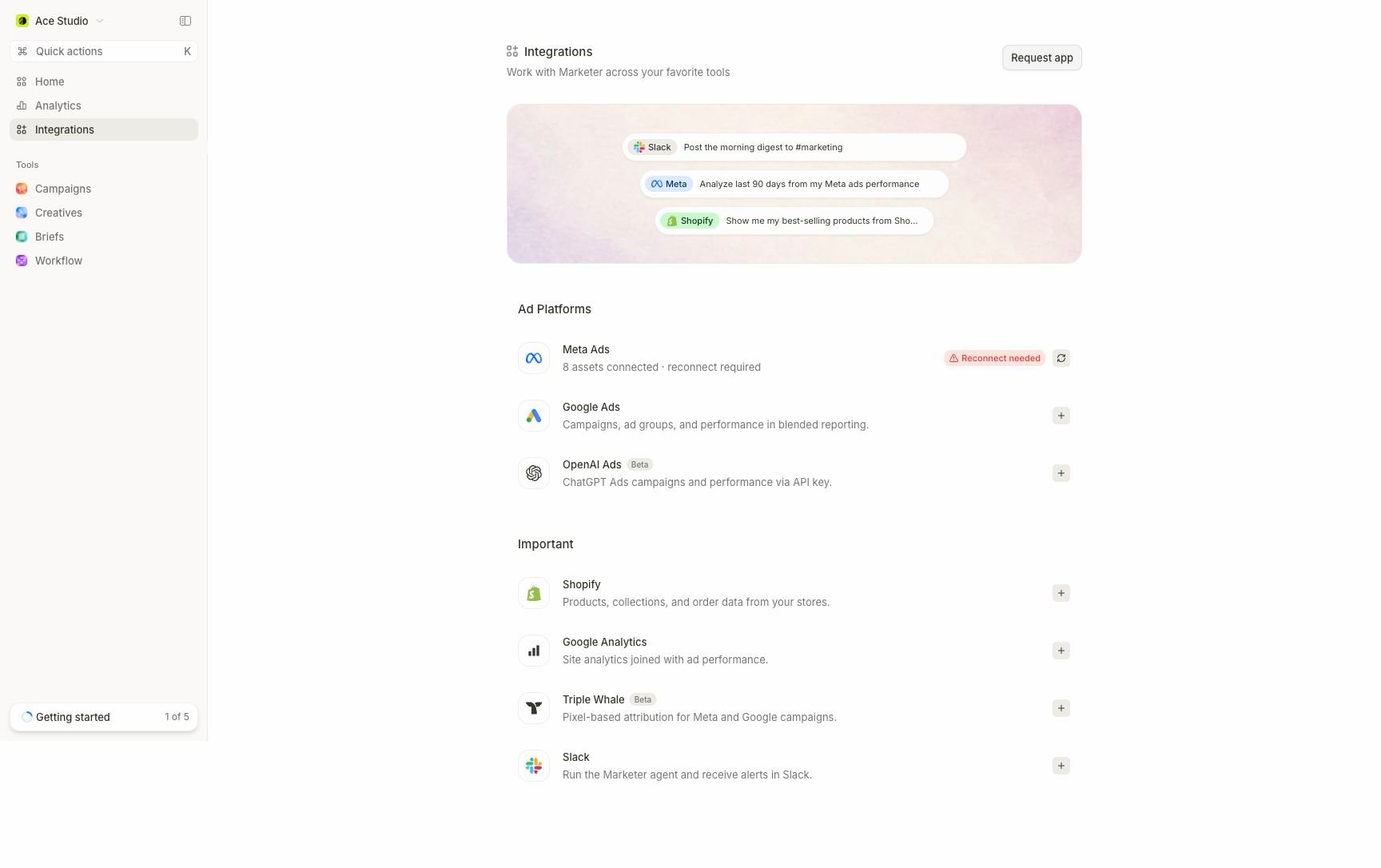
The Integrations directory shows each provider's current state and the next action needed before its data is ready.
Choose the source you need
Read the connection state
The directory and provider page separate authorization, resource selection, and data sync. Resolve them in that order.Connect and verify a source
1
Confirm the active workspace
Check the workspace name in the top-left switcher. Provider resources should belong to this workspace.
2
Authorize the provider
Open Integrations, choose the provider, and use the displayed connection action. Review the provider’s consent screen or credential request.
3
Select the reporting resources
Choose only the accounts, stores, properties, or assets that should contribute here. Authorization alone is not a saved reporting selection.
4
Wait for usable coverage
Watch the provider’s sync status, last-sync time, and coverage. Historical data can continue importing after recent data becomes usable.
5
Run a source comparison
Ask one narrow, read-only question for a named resource and completed date range. Compare the result with the provider before expanding the workflow.
Reconnect, reselect, or resync?
- Reconnect repairs provider authorization. It should not be your first response to an ordinary sync failure.
- Manage accounts, Manage properties, or the provider’s asset dialog changes what enters the workspace.
- Refresh account access or Refresh property access reloads the roster the current authorization can see.
- Resync refreshes data only after authorization and selection are healthy.
- Disconnect removes the provider from the workspace. Review reports, audiences, alerts, and workflows that depend on it first.