

Continue from the result
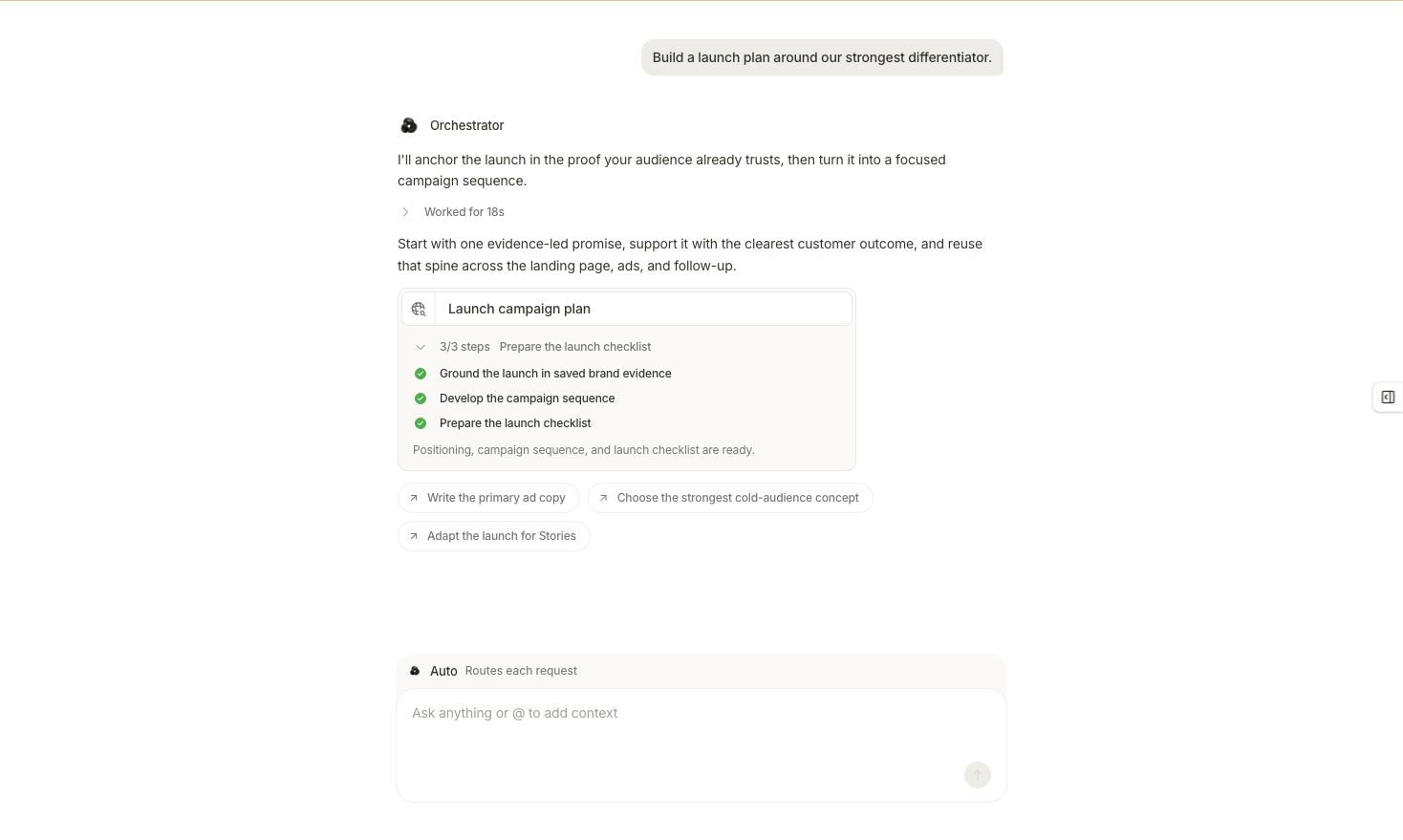
A completed result can lead to a focused follow-up, a product artifact, or a separately reviewed proposal.
1
State what you accepted
Summarize the verified finding, source, account scope, dates, and important limitation. Keep the original result linked or continue in the same conversation when the next request depends on it.
2
Choose one output
Ask for a deeper analysis, brief, creative direction, campaign plan, report, alert, or workflow. Do not combine several deliverables into an approval request you cannot review clearly.
3
Set the authority boundary
Say whether you want analysis, a draft, an approval-ready proposal, or execution under existing policy. A request cannot expand your role or bypass workspace controls.
4
Follow the task or proposal
Review visible steps and answer required input. If Marketer presents a proposal, inspect every step before you dismiss, edit, or approve it.
5
Verify the owning surface
Open Analytics, Briefs, Creatives, Campaigns, Workflow, or another owning surface and confirm that the expected result or artifact exists in the correct workspace.
Choose a product flow
Analyze performance
Move from an account-level change to the channel, campaign, creative, product, or landing-page evidence behind it.
Create a brief
Turn a grounded finding into a reviewed brief, then continue through Studio or Assets when appropriate.
Prepare a campaign
Define objective, source evidence, budget boundary, targeting, creative, destination, and approval state.
Build a workflow
Make a report, alert, or other recurring process repeatable with explicit inputs, timing, and destination.
Analysis path
Start with the verified result, then narrow one dimension at a time. Keep the same source and time window until you intentionally change them. Stop when the evidence no longer supports a more specific conclusion. Success: the deeper result still identifies source, scope, dates, filters, and calculation, and it explains any change from the original measurement frame.Creative path
Ask for a brief before asking for final creative when the message, audience, offer, or evidence still needs agreement. Confirm that product claims and brand facts come from approved workspace context. Success: the brief or creative exists in its owning surface and clearly shows what still needs human review.Campaign path
Keep the first campaign output as a draft or approval-ready proposal. Confirm provider account, campaign objective, budget, targeting, creative, destination, tracking, guardrails, and post-launch measurement before any publish action. Success: the displayed proposal matches the reviewed scope, and any approved change is verified in Campaigns and the provider state.Workflow path
Turn a proven, stable procedure into recurring work. Define the trigger or schedule, data source, date window, output, destination, failure behavior, and decision point. Success: a test run produces the expected output, and the workflow surface shows the intended configuration and status.Prepare the workspace for actions
Before you approve work that can publish, spend, or change a connected account:- Confirm member roles and who can approve or change workspace settings.
- Set performance targets, spend caps, budget-change rules, and protected campaigns in Guardrails.
- Review the workspace Autonomy level and default creative-brief behavior.
- Keep the first campaign launch paused for review unless your documented policy requires another state.
- Check Awaiting action for unresolved work and remove stale proposals.
- Define where the resulting state will be verified after approval.
Make good work reusable
Reuse the right layer instead of copying an entire conversation:
Review suggested Knowledge and Skills before making them part of future workspace context. A useful one-off assumption should not become a durable company fact by accident.
Track activation without rushing authority
Your workspace may show these activation milestones:- Connect your ads account
- Connect MCP
- Chat with agent
- Generate brief
- Launch ad